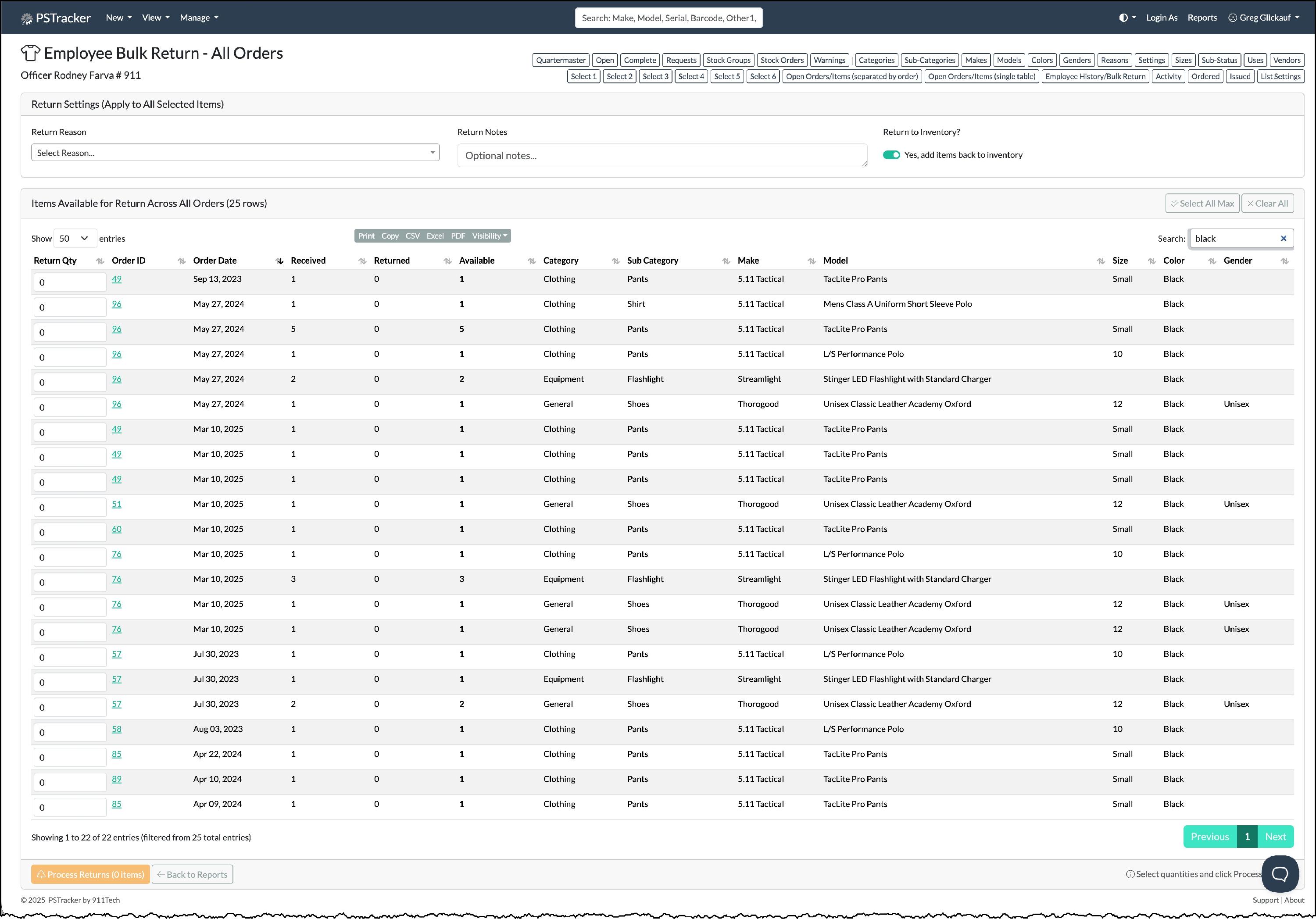
Quartermaster Bulk Returns
You can return items issued to employees in bulk using the Quartermaster Items Received & Returned page.
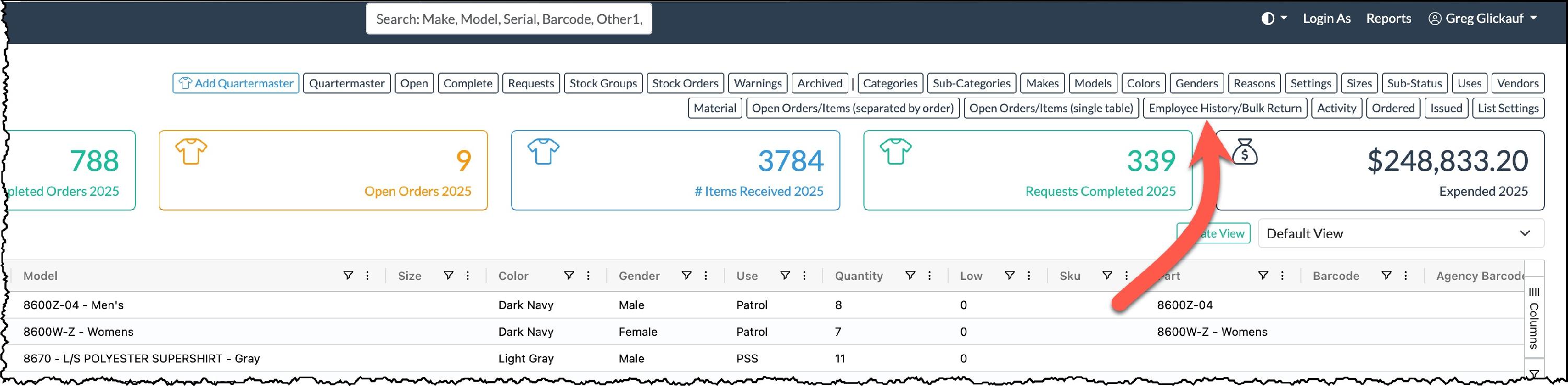
From the manager sub menu click Employee History /Bulk Return.
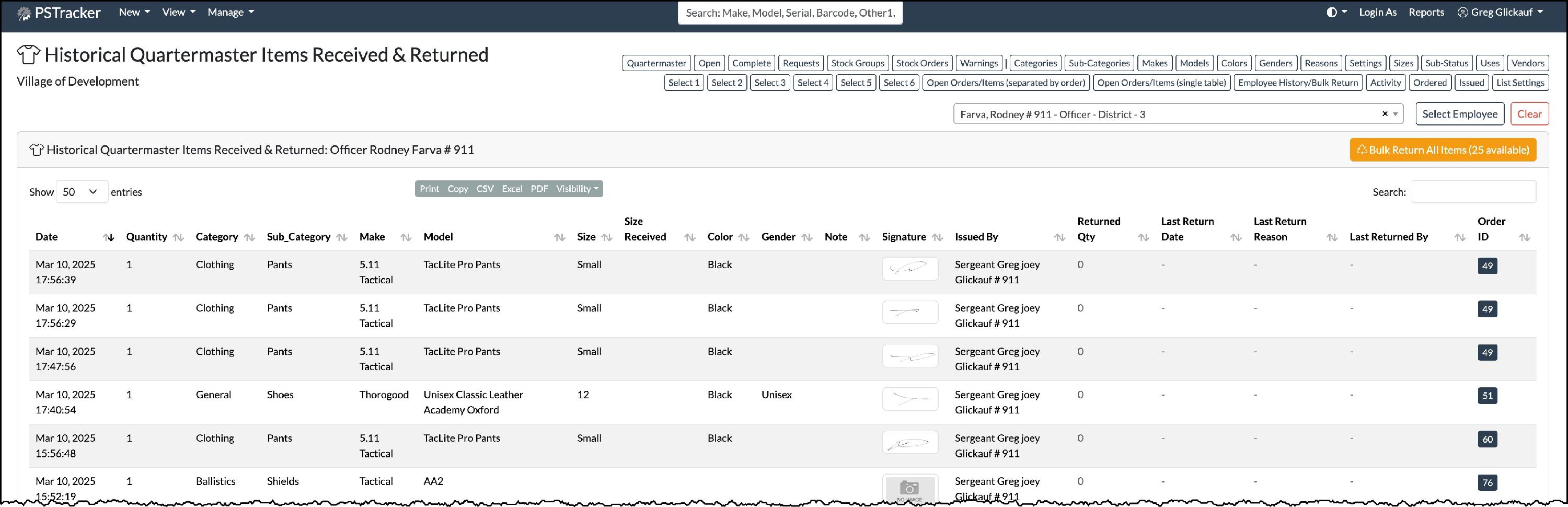
Next click the Yellow Bulk Return All Items (XX) Available button.
Enter the quantity of each item being returned and click the Process Returns (XX) Items button